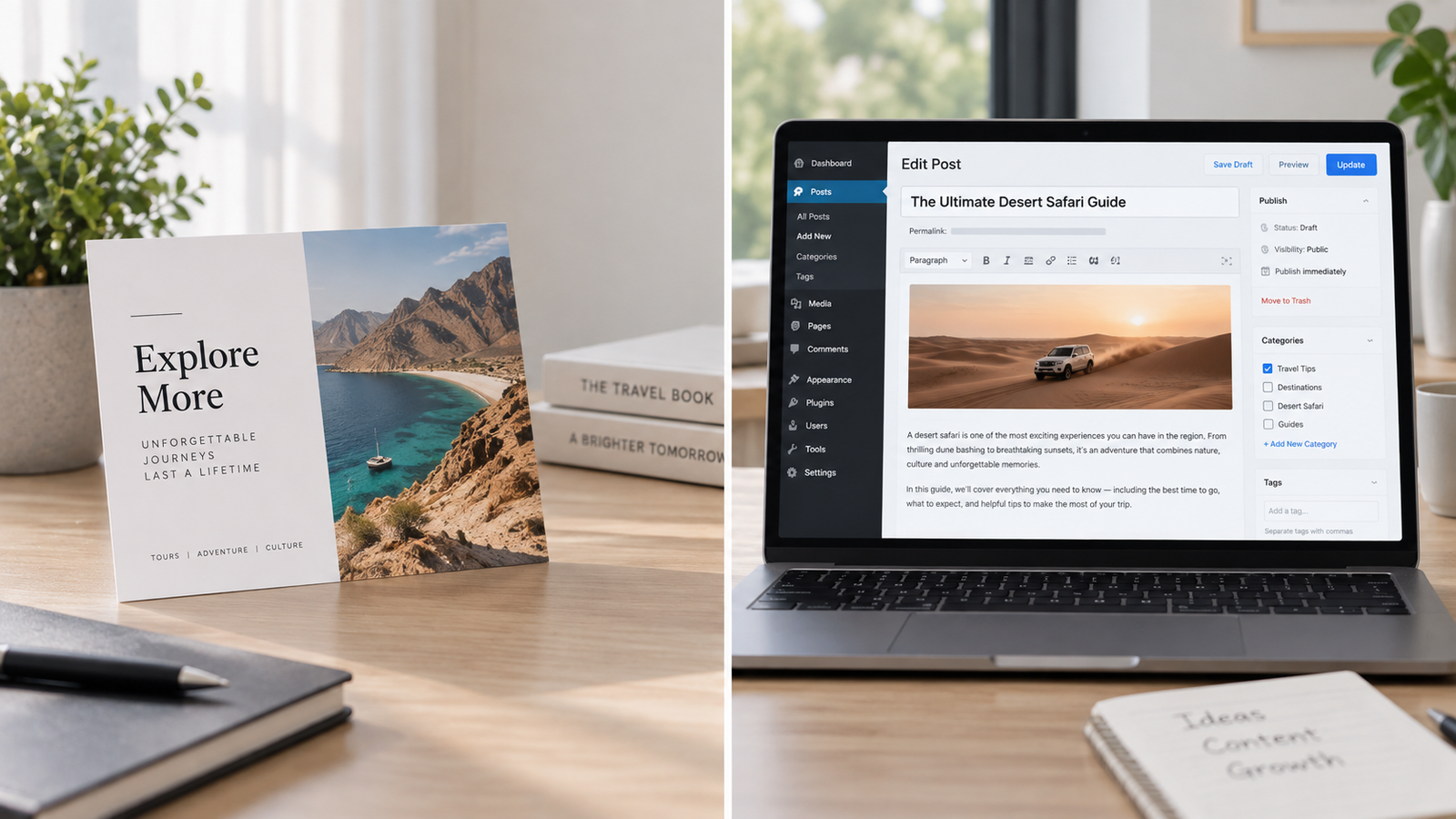
Static website vs CMS for small business — this is one of the first real decisions you’ll make when building a site, and most business owners pick based on which word sounds more “modern” rather than what actually fits how they’ll use it. Here’s a simpler way to decide.
What each one actually is
When comparing static website vs CMS for small business needs, start with what each one actually is. A **static site** is built once and served exactly as built- fast, simple, secure- but changing anything (new text, a new page, a price update) usually means going back to whoever built it, or learning some code yourself.
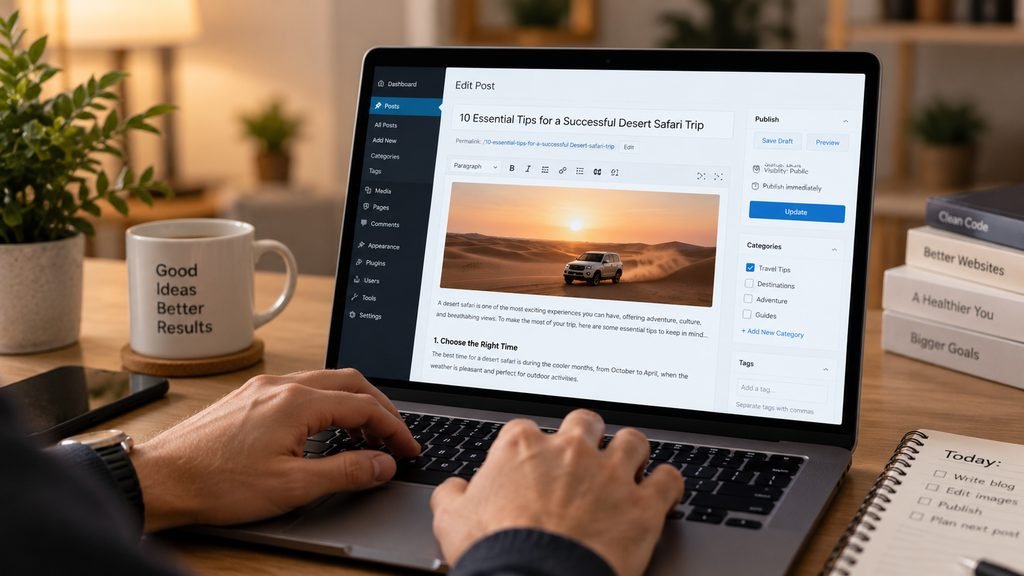
A CMS (like WordPress) gives you a dashboard where you or your team can log in and edit content, publish blog posts, and add pages without touching code. More flexible day-to-day, but with more moving parts — plugins, updates, hosting requirements — that need ongoing attention.
The real tradeoffs
Static sites win on: speed (near-instant load times), security (there’s no database or login panel for anyone to attack), and cost (often free or near-free hosting, no ongoing plugin or maintenance fees).A lean, custom-built static site is exactly what worked for one of our contractor clients — a business that needed a professional presence and a lead-generating contact page, not a content-publishing engine.
CMS platforms win on: when weighing static website vs CMS for small business content needs specifically, flexibility for frequent updates, easier content publishing without developer involvement, and better support for a growing blog or content strategy. If you’re publishing regularly — new services, blog posts, seasonal offers — a CMS removes the bottleneck of needing a developer for every small change. For a more technical side-by-side, this is a helpful breakdown of the tradeoffs worth reading if you want the full comparison.
How to actually decide
Ask yourself one question: who’s updating this next year, and how often?
- If your site mostly needs to exist — showing what you do, your contact info, a portfolio or gallery, updated rarely — a static site does that job better, faster, and cheaper than a CMS you’re paying to maintain but barely using.
- If you’re planning to publish content regularly, run a blog for SEO, or need non-technical staff editing pages often, a CMS is worth the added maintenance, because the alternative is paying a developer every time you want to change a sentence.
This is also a decision worth revisiting as your business changes. A static site that made sense at launch might not fit two years later once you’re publishing weekly content, and a CMS you’re barely using might be costing you speed and maintenance fees for flexibility you never actually needed.
Static website vs CMS for small business: two quick examples
A contractor with five services, a gallery of past work, and a contact form — updated maybe twice a year — is a textbook static site case. There’s no ongoing content strategy to support, so paying for CMS flexibility every month is money spent on a feature that never gets used.
A consultant publishing a weekly blog post to build authority and rank for new keywords is a textbook CMS case. Trying to run that on a static site means either learning to edit code every week or paying a developer for every single post — the CMS’s monthly cost is cheaper than that friction, fast.
When it comes down to static website vs CMS for small business use, most small businesses overestimate how often they’ll actually update their site
What I’d actually recommend
Most small businesses overestimate how often they’ll actually update their site, and end up paying for CMS flexibility and maintenance they don’t use. Start with an honest look at your actual publishing habits over the last year, not your aspirational plans, and let that decide it, not which platform sounds more impressive to mention.
If you’re not sure which one fits your specific situation, get a straight answer — I do both custom website development on static and CMS platforms, and I’d rather steer you toward the right one than the one that’s easier for me to sell.